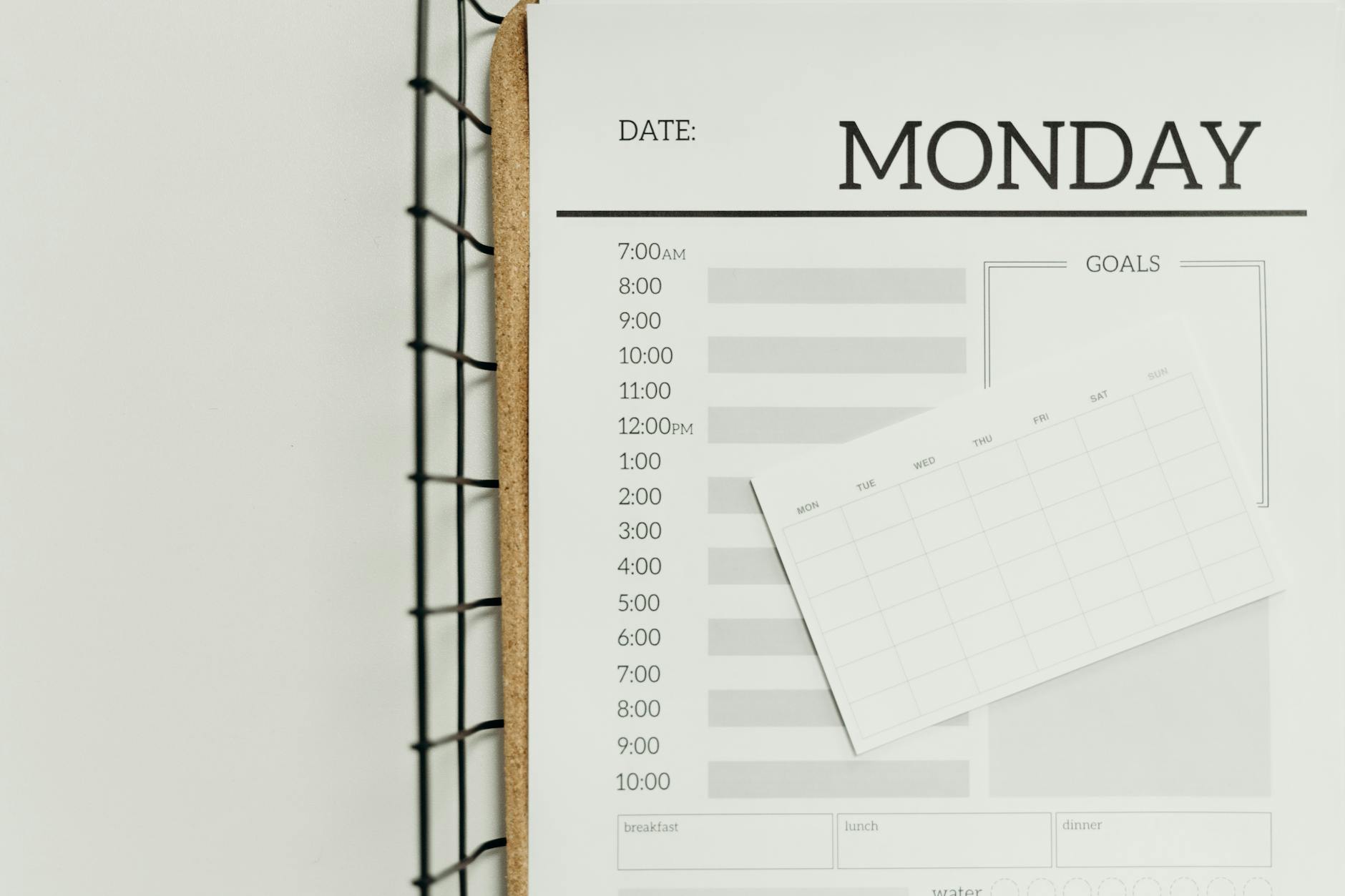
Time Blocking For Beginners
If you’ve ever reached the end of a workday wondering where the hours went, time blocking for beginners might be the single most practical skill you can pick up this week. I’ve been there more times than I’d like to admit, staring at a half-finished to-do list at 5 p.m., genuinely confused about where the day disappeared to. It’s not a complex system, it doesn’t require expensive apps, and you don’t need to overhaul your entire schedule to see results. At its core, time blocking is about deciding in advance what you’re going to work on and when, and that small shift in how you approach your calendar can change everything about how productive you actually feel.
What Is Time Blocking, Exactly?
Time blocking is a scheduling method where you divide your day into dedicated blocks of time, each assigned to a specific task or category of work. Instead of working from a loose to-do list and hopping between tasks whenever something feels urgent, you pre-commit chunks of your calendar to focused work. Think of it like making appointments with yourself, and actually keeping them.
This approach is different from time management advice that tells you to “prioritize better” without showing you how. Time blocking gives you a concrete structure. You’re not just deciding what matters; you’re deciding exactly when it gets done. That specificity is what makes it stick.
Cal Newport, the computer science professor and author of Deep Work, is one of the most well-known advocates of this method. He’s been publicly vocal about scheduling every hour of his workday using time blocks for years, and he credits it with his ability to produce research, write books, and still be home for dinner.
Why Your Brain Actually Loves This Method
There’s real science behind why time blocking works, and it has a lot to do with how our brains handle decision fatigue and context switching. Every time you finish one task and have to figure out what to do next, your brain burns mental energy making that decision. Multiply that across a full workday and you’re draining cognitive resources that could be going toward actual work.
A study from the University of California, Irvine found that it takes an average of 23 minutes and 15 seconds to fully regain focus after an interruption. That’s not just interruptions from other people, it includes the self-inflicted interruptions of switching tasks or checking notifications. Many of us have felt that scattered, unfocused feeling after a morning full of Slack pings and inbox rabbit holes. Time blocking directly reduces this by keeping you anchored to a single type of work during each block.
When you know exactly what you’re supposed to be doing at 10 a.m., you don’t waste mental bandwidth debating between your inbox, that report, and the proposal you’ve been avoiding. You just start. That removal of constant micro-decisions is genuinely freeing.
The Different Flavors of Time Blocking
Not everyone blocks time the same way, and that’s a good thing. There are a few variations worth knowing about so you can pick the approach that fits your actual life:
- Task batching: Grouping similar tasks together in one block. For example, all your emails get handled between 9–9:30 a.m. and again at 4 p.m., never scattered throughout the day.
- Day theming: Assigning entire days to broad categories. Mondays might be for meetings and collaboration; Tuesdays for deep writing or creative work; Wednesdays for administrative tasks. This works particularly well for freelancers and managers.
- Time boxing: Setting a fixed time limit for a task and committing to finishing within that window. It creates a healthy sense of urgency and stops perfectionism from stealing your afternoon.
- Fixed + flexible blocking: Some blocks are locked in (standing meetings, commute time), while others are flexible placeholders you shift around as needed. This hybrid approach is great for people with unpredictable schedules.
You don’t need to pick just one. Most people end up with a personal system that borrows from a couple of these.
How to Start Time Blocking: A Step-by-Step Guide
Here’s a beginner-friendly process for setting up your first week of time blocking. Don’t try to make it perfect, the goal is to get a functional system running within the next 30 minutes.
- Do a brain dump of everything on your plate. Open a blank document or grab paper and write down every task, project, and commitment you currently have. Don’t filter or organize yet, just get it all out. This becomes your working inventory.
- Identify your non-negotiables first. These are the fixed commitments you can’t move: meetings, classes, appointments. Block these in your calendar. They’re your anchors for the week.
- Categorize your remaining tasks. Sort your brain dump into groups: deep work (requires serious concentration), shallow work (emails, admin, scheduling), and personal tasks (exercise, meals, errands). You’ll create different block types for each category.
- Match your energy to your blocks. Pay attention to when you naturally feel most alert and focused. Reserve those peak hours for your deep work blocks. Use lower-energy windows for email and administrative tasks.
- Build your blocks in a real calendar. Use Google Calendar, Outlook, a paper planner, whatever you already use. Create blocks with clear labels. “Work on Q3 report” is better than “work.” Specificity reduces resistance when it’s time to start.
- Add buffer blocks. Things always take longer than expected or surprise tasks pop up. Schedule 15–30 minute buffer blocks between heavier tasks. These aren’t wasted time, they’re your pressure release valve.
- Review and adjust at the end of each week. Spend 10 minutes every Friday (or Sunday evening) looking back at what worked and what got blown up. Adjust your template for the coming week. Over time, your blocks will get more accurate and more useful.
Common Mistakes Beginners Make (and How to Dodge Them)
Time blocking looks simple on paper, but there are a few traps that trip people up in the first few weeks. I know from experience that the temptation to fill every single hour feels like the responsible thing to do, but it’s actually one of the fastest ways to burn out on the system. Knowing the pitfalls ahead of time saves a lot of frustration.
- Over-scheduling every minute: Filling every hour of the day feels productive but creates a schedule so rigid it breaks the moment anything unexpected happens. Leave breathing room. A 70% scheduled day is more sustainable than a 100% scheduled one.
- Underestimating how long tasks take: New time blockers consistently schedule 30 minutes for tasks that actually need 90. Track your time for a week before you start blocking seriously, the data will surprise you.
- Forgetting transition time: Getting up, switching mental gears, making coffee, settling in, this stuff takes time. Build it in rather than pretending it doesn’t exist.
- Treating the schedule as a failure if it breaks: Your time blocks are a plan, not a contract with the universe. Interruptions happen. When they do, reschedule the displaced block rather than abandoning the system entirely.
- Not blocking personal time: Rest, meals, and movement deserve blocks too. If you only schedule work, your calendar sends a message to your brain that personal time is optional, and it will be the first thing sacrificed when things get busy.
Tools Worth Knowing About
You genuinely don’t need anything special to start time blocking, but a few tools make it smoother once you’re past the basics. Google Calendar is free and visual enough to see your blocks at a glance. Notion works well if you want to combine your task list and calendar in one place. Reclaim.ai and Motion are AI-powered scheduling tools that automatically find open slots and schedule tasks for you, useful if your schedule is complex, though they’re overkill for most beginners. Paper planners like the Full Focus Planner are excellent if you prefer analog systems and like the ritual of planning on paper.
Whatever tool you choose, the system matters more than the software. A consistent practice with a paper notebook beats an abandoned premium app every time.
Frequently Asked Questions
How long should each time block be?
There’s no universal answer, but most people find blocks between 25 and 90 minutes work best. The Pomodoro Technique uses 25-minute focused bursts, which is great when you’re just starting and need to build focus stamina. For deep work like writing, coding, or strategic thinking, 60–90 minute blocks tend to produce better results once you’ve built the habit. Experiment in your first few weeks to see what rhythm feels natural for you.
What if my job is unpredictable and I get interrupted constantly?
This is one of the most common objections, and it’s valid. The solution isn’t to make your schedule more rigid, it’s to build interruption blocks intentionally. Set aside time specifically for reactive work (urgent messages, unplanned requests), so that when things come up, they land in a designated space rather than derailing everything. Also, communicate your schedule to teammates where possible; a quick “I’m in a focus block until noon” sets expectations without drama.
Does time blocking work for creative work or is it too structured?
It actually works especially well for creative work, the catch is blocking the right kind of time. Creative work needs protected, uninterrupted space, which is exactly what a well-placed time block provides. Many writers, designers, and musicians swear by it precisely because it removes the daily question of “when am I going to work on this?” The block is already there. You just show up and create.
Final Thoughts
The bottom line is that time blocking for beginners doesn’t need to be complicated or perfect to be useful. Start with three or four intentional blocks tomorrow, one for your most important task, one for email and admin, and one genuine break, and notice the difference. The goal isn’t to account for every minute of every day. It’s to stop letting your schedule happen to you and start building one that actually reflects your priorities. Give it two weeks before you judge it. Most people who stick with it long enough to feel the results wonder how they managed without it.