How To Create A Distraction Free Environment
If you’ve been searching for how to create a distraction free environment, you’re probably not struggling with willpower — you’re struggling with design. The spaces and systems around you shape your attention more than your motivation does. Whether you’re working from home, studying in a shared apartment, or trying to get focused in an open office, the good news is that distraction is largely a structural problem, and structural problems have practical solutions. This article walks you through what the research says, what actually works, and how to build an environment that protects your focus without turning your workspace into a sterile box.
Why your environment matters more than your mindset
Most productivity advice puts the burden on the individual. Wake up earlier. Try harder. Stop checking your phone. But behavioral science keeps pointing to the same conclusion: your surroundings do the heavy lifting, for better or worse. When cues for distraction are visible and easy to access, you’ll use them. When they’re removed or hidden, you naturally do less of them.
According to a 2023 study published in the journal Nature Human Behaviour, people check their smartphones an average of 58 times per day, with nearly half of those interruptions self-initiated — meaning they weren’t responding to a notification but reaching for the phone out of habit. That’s not a discipline problem. That’s an environment problem. If the phone is sitting face-up on your desk, it becomes an anchor for compulsive checking. Move it to another room, and that habit loses its trigger.
The same principle applies to browser tabs, background noise, cluttered desks, and even the temperature of the room you work in. Every sensory input is either pulling your attention away from your work or leaving it alone. The goal is to reduce the pull of everything that competes with your actual task.
The physical setup: what to change first
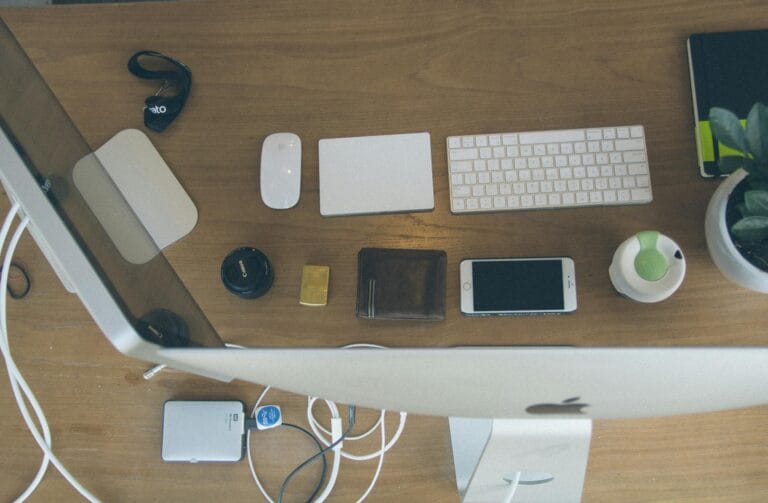
Start with what you can see. Clutter on a desk creates what cognitive scientists call “visual noise” — your brain passively processes everything in your field of view, and the more irrelevant objects there are, the more cognitive load you carry without realizing it. Clear your workspace down to only what you need for the task at hand. That means one notebook, one pen, one device if possible. Everything else goes in a drawer or another room.
Lighting matters too. Natural light helps regulate your circadian rhythm, which directly affects alertness and mood. If you can position your desk near a window, do it. If not, a daylight-spectrum bulb (5000K to 6500K color temperature) replicates enough of the effect to make a difference across a full workday.
Here are a few physical changes worth making before anything else:
- Put your phone in a different room, or at minimum, face-down inside a closed drawer
- Use a single monitor or close unnecessary windows on your screen
- Keep a physical notebook nearby for capturing random thoughts so they don’t pull you into mental tangents
- Set your room temperature between 70 and 77 degrees Fahrenheit — research from Cornell University found that cooler temperatures in that range support sustained cognitive performance
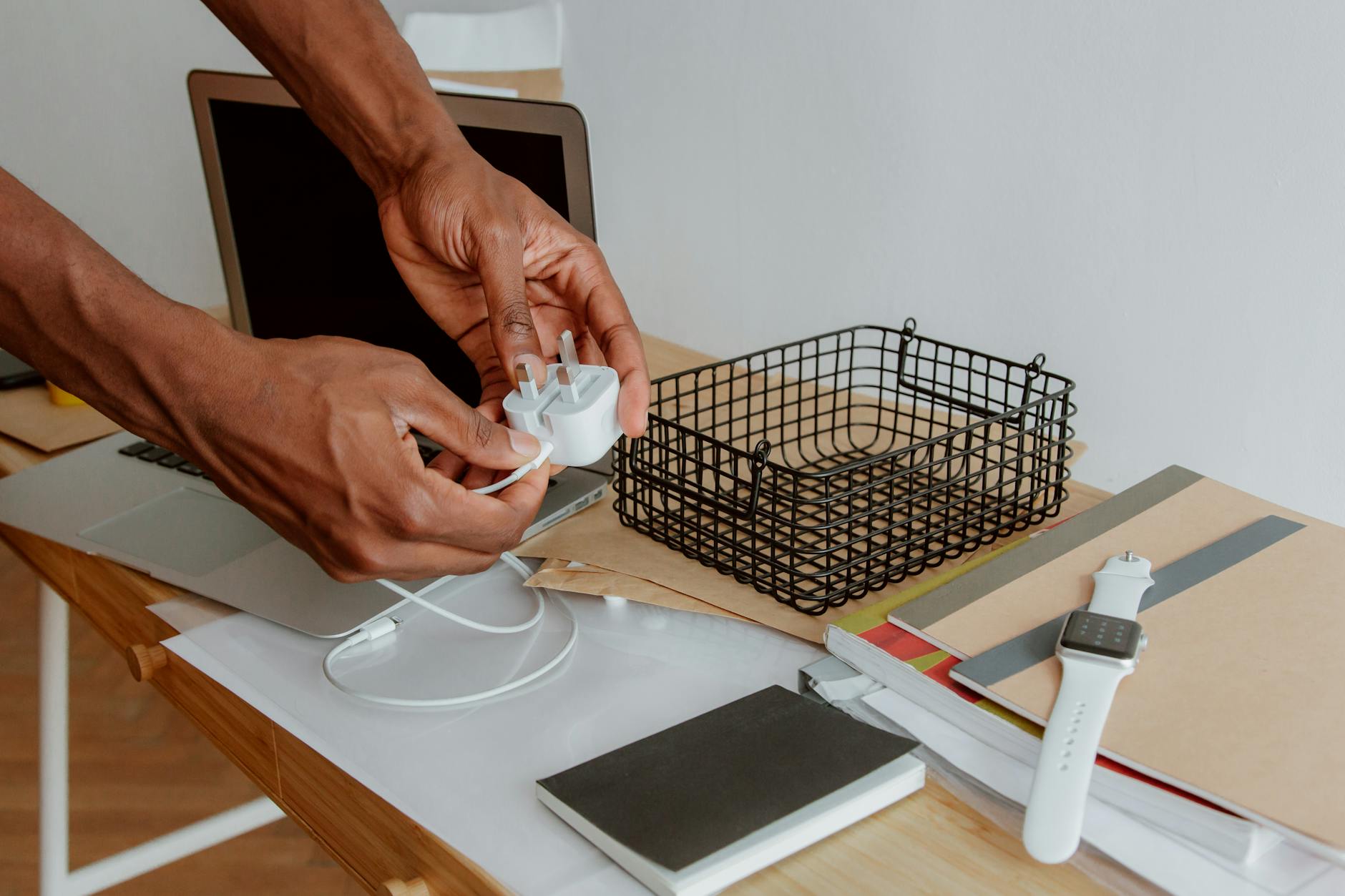
- Use a physical inbox tray so loose papers don’t pile up on your working surface
Managing digital noise without going offline
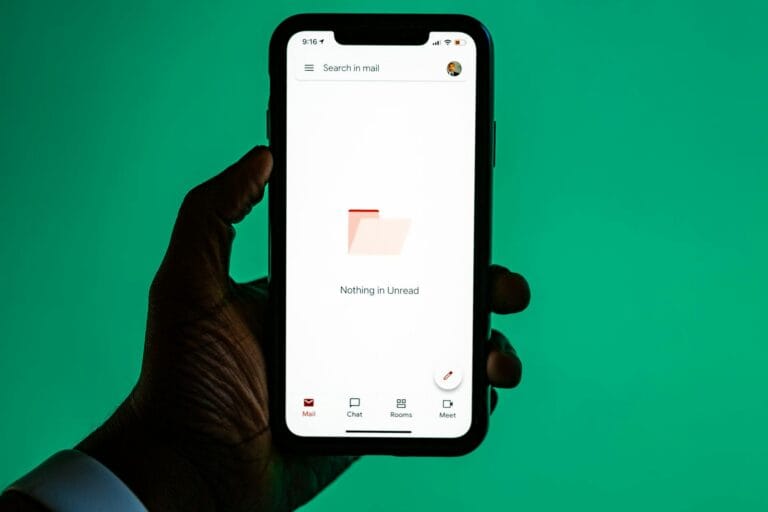
You don’t have to disconnect from the internet to work without distraction. You just need to reduce the number of open loops your screen is managing at once. Every notification badge, open tab, and unread email count is a small but real pull on your attention. The fix isn’t willpower — it’s configuration.
Turn off all non-essential notifications on your computer and phone. This includes Slack, email, news apps, and social platforms. Designate two or three specific windows during your day to check messages, and let people in your life know this is how you operate. Most things that feel urgent are not actually urgent.
Browser extensions like Freedom, Cold Turkey, or StayFocusd let you block specific websites during set hours. This removes the friction of deciding whether to check something — the decision is made in advance, when you’re thinking clearly, not in a moment of boredom. If you work with multiple browser tabs open, use a tab management tool like OneTab to collapse everything you don’t need right now into a single saved list.
How to create a distraction free environment step by step
This process works whether you have a dedicated home office or just a corner of a studio apartment. Run through it once before your next serious work session and adjust as you go.
- Define your session before it starts. Write down one specific task and a time limit before you open anything. This single decision reduces the chance of drifting because your brain has a clear destination. A vague intention like “work on the report” invites distraction; “write the executive summary section, 45 minutes” does not.
- Prepare the physical space. Clear your desk of everything except your working materials. Put your phone away. Fill a water bottle and put it within reach so you don’t have an excuse to wander to the kitchen. Close the door if you have one.
- Set up your digital environment. Close every browser tab that isn’t directly related to your task. Quit email and messaging apps completely. If you need background audio, start a long ambient playlist or a brown noise track before you begin — not mid-session when you’ll be tempted to browse options.
- Use a timer as a commitment device. Set a timer for 25 or 50 minutes and treat it as a contract with yourself. When the timer runs, take a genuine break — stand up, go outside, look at something 20 feet away for a minute. This is the Pomodoro technique, and while the specific intervals are adjustable, the structure matters because it makes the end of a session feel earned.
- Keep a distraction capture list. When a random thought interrupts your focus — “need to email the landlord,” “check the flight price” — write it on a separate notepad without acting on it. This acknowledges the thought without derailing the session. Process the list after your timer ends.
- Review and reset after each session. Spend two minutes after each block noting what pulled your attention and what worked well. Over a week, you’ll have clear data on your personal distraction patterns and can adjust your setup accordingly.
Sound and silence: finding what actually works for you
There’s no universal rule about whether to work in silence or with background sound. It depends on the type of work and the person doing it. Research from the University of Illinois found that a moderate level of ambient noise — around 70 decibels, similar to a coffee shop — can improve creative output compared to silence or loud environments. But for tasks requiring deep logical reasoning or memorization, silence or white noise tends to win.
If you share a space with others, noise-canceling headphones are one of the most effective investments you can make for focused work. Brands like Sony and Bose both have well-reviewed models in the $200 to $350 range that block out most ambient conversation and mechanical noise. The headphones also serve as a social signal — most people will not interrupt someone who is visibly wearing them.
When other people are the distraction
Working near other people — housemates, family members, open-plan colleagues — is one of the harder distraction challenges because you can’t fully control it through configuration. What you can do is set expectations clearly and create boundaries that are easy for others to respect.
A simple system: use a visual signal to indicate when you’re in a focused session. A closed door, a specific lamp turned on, or a small sign on your desk communicates availability without requiring a conversation every time. Pair this with a consistent schedule so people around you know when your focused hours are. When your work hours are predictable, interruptions drop because people learn when to wait.
Frequently Asked Questions
How long does it take to build a distraction free environment?
The physical setup can be done in under an hour. The digital configuration — notifications, app settings, browser extensions — takes another 20 to 30 minutes. The harder part is making these changes stick through consistent use, which most people find becomes habitual within two to three weeks of daily practice.
Does working in complete silence improve focus for everyone?
No. Some people focus better with light background noise, especially on creative tasks. The key is to match your audio environment to the type of work: silence or white noise for tasks requiring memorization or complex reasoning, moderate ambient sound for creative or writing tasks. Experiment for a week with each approach and track your output honestly.
What if I can’t control my physical environment, like in a shared office?
Focus on what you can control: noise-canceling headphones, a clean desk surface, phone placement, and your digital setup. Communicate your focused hours to the people around you and, where possible, schedule your deepest work for off-peak times when foot traffic and noise are lowest. Many people find that early morning or late afternoon hours in a shared office are significantly quieter.
Final thoughts
Building a space that supports your attention is less about perfection and more about removing the easy off-ramps that pull you away from work. You don’t need a private office, a standing desk, or an expensive setup to focus well. You need clear surfaces, a phone out of reach, a single defined task, and a timer. Start with those four things tomorrow morning, and track how many uninterrupted minutes of work you actually get — most people find it doubles within the first week.